
Navimow Scheduling Explained: End Times, Cycles & Zones
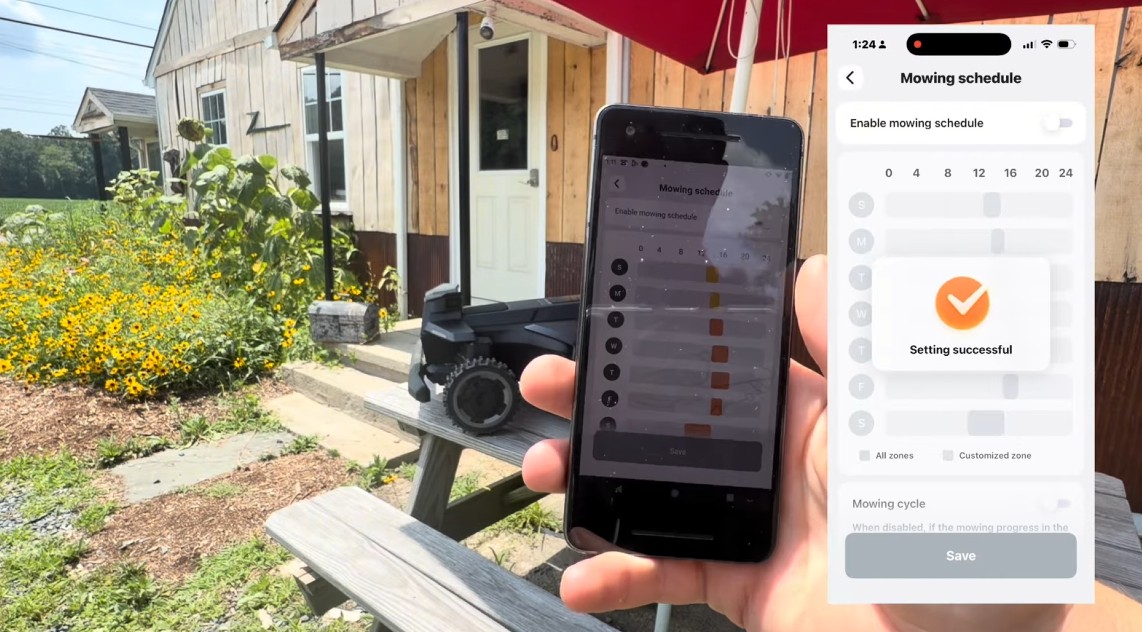
If there’s one topic that generates more confusion — and more calls to our shop — than anything else, it’s the Navimow mowing schedule. On paper it looks simple: pick a start time, pick some days, done. In practice, two hidden behaviors trip up almost every new owner. Once you understand them, your Navimow goes from “unpredictable robot” to a precision lawn-care machine you can set and forget.
Let’s break down how Navimow scheduling actually works, then build a zone-based weekly schedule like the pros.
First: you have to enable scheduled mowing
It sounds obvious, but it’s the first thing we check. Mapping your lawn does not create a schedule. In the Navimow app you have to open the Mowing Schedule settings and switch scheduled mowing on before any of your time blocks take effect.
- i-series: Settings → Mower → Mowing → Mowing Schedule
- X4 series (X430 / X450): right on the Home screen under Settings → Mowing Schedule
Until that master switch is on, your mower only moves when you tell it to with Mow Now.
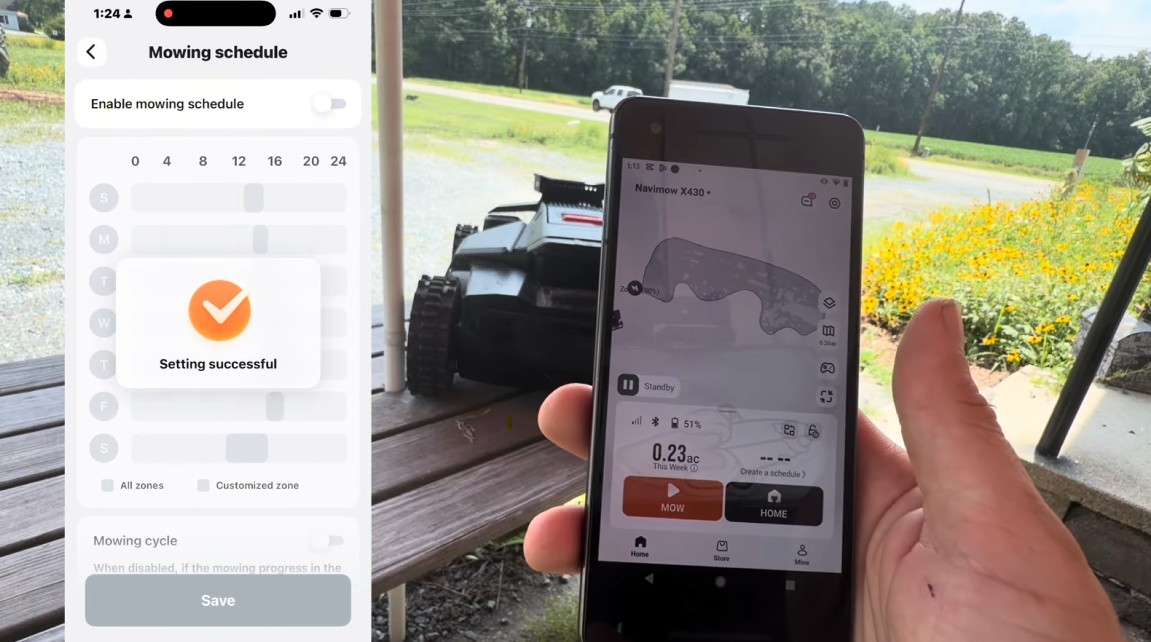
The end-time trap: your schedule is a window, not a start button
Here’s the single biggest misconception: the schedule is a time window, and the end time is a hard cutoff.
Most people assume the start time launches the mower and it works until the lawn is finished. Not so. The mower only operates during the scheduled hours. When the end time arrives, it stops and returns to the charging station — whether the lawn is finished or not.
So if your back yard takes three hours and you set a window from 9:00 to 11:00 AM, your Navimow dutifully quits at 11:00 with a third of the yard uncut. Nothing is broken. It did exactly what you told it to do.
The fix: know how long each area actually takes, and set the end time with room to spare — including recharge time if the job spans more than one battery charge (math below).
One important contrast: a one-time task (“Mow Now,” or the MOW button on the mower) plays by different rules. It ignores the schedule entirely and runs until 100%, no matter how long that takes. Knowing the difference between these two modes explains most of the “why did it do that?” moments.
The Mowing Cycle button: the most confusing toggle in the app
At the bottom of the schedule settings sits a toggle called Mowing Cycle, and it’s the source of the second-most-common mystery: “Why does my mower keep mowing grass it already cut?”
- Mowing Cycle ON — when the mower completes the lawn (100%) and there’s still time left in the window, it starts over and keeps mowing until the end time. It fills the entire window.
- Mowing Cycle OFF — the mower makes one complete pass, reaches 100%, and parks — even if hours remain in the window.
Neither is wrong; they’re for different goals. Want a showcase front lawn that’s constantly manicured? Cycle ON with a generous window. Just want the lawn cut once per session — what most homeowners expect? Cycle OFF.
If your mower seems to be endlessly re-mowing finished areas, this toggle is almost certainly why.
The silent schedule killers (including the 90% battery rule)
Sometimes a scheduled run just… doesn’t happen. No error, no drama — the mower stays docked. There’s almost always a reason, and the app’s notifications will tell you which one:
- Battery below 90%. The mower won’t leave the dock for a scheduled run unless the battery is above 90%. This matters enormously when you stack back-to-back zone sessions — if the recharge gap between blocks is too tight, the next session silently fails.
- Rain delay. If rain detection triggered a delay, scheduled mowing waits.
- Night-mowing switch. If your window extends into night hours but nighttime mowing isn’t enabled, the mower won’t run then (and without it, it heads home at sunset). More on night mowing here.
- An active one-time task. Starting a “Mow Now” job cancels the scheduled session.
- Time-zone settings. If the mower’s time zone is wrong, the schedule fires at the wrong times. Worth a check after setup or travel.
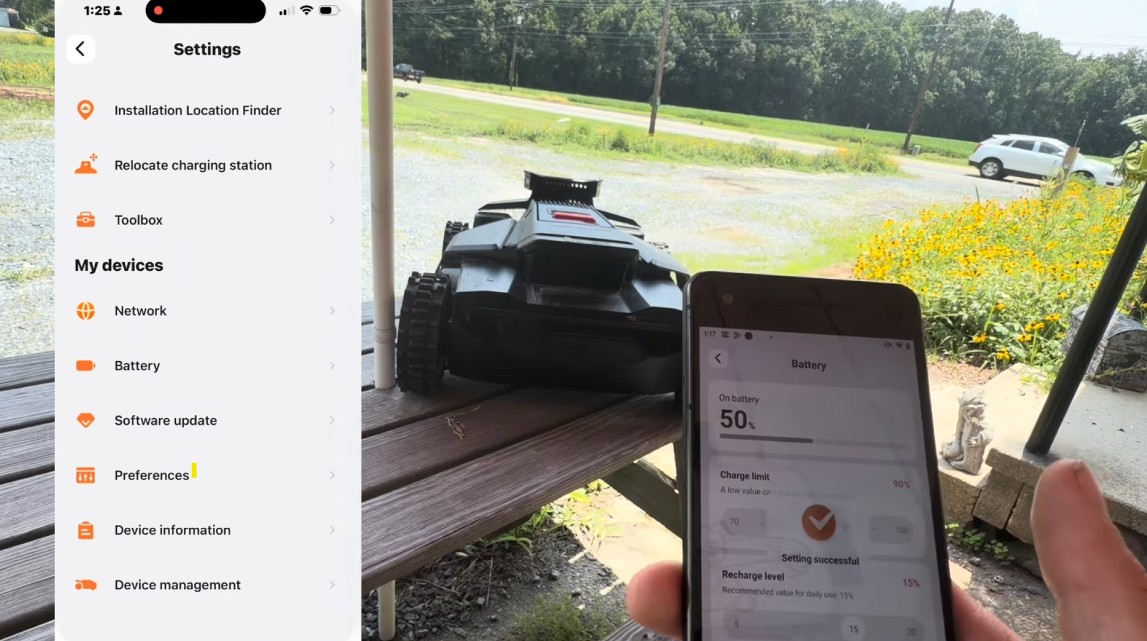
Runtime and recharge math: the numbers that make your schedule work
To size your windows correctly, you need two numbers for your mower: how long it runs on a charge, and how long it takes to recharge.
- Navimow X430 — roughly 110 minutes of mowing per charge, recharges in about 90 minutes.
- Navimow X450 — larger battery, similar runtime profile, recharge around 100 minutes.
A practical rule of thumb: for every 2 hours of mowing, budget about 1.5 hours of recharge.
The good news is mid-job battery management is automatic. When the battery runs low during a task, the mower returns to the dock, recharges, and resumes exactly where it left off — as long as your window is long enough to allow it. If the window closes first, the end time wins and the mower stays parked until the next session.
This is exactly why the end-time trap bites people. A 1.5-acre property might need two full charges to finish — roughly 4 hours of mowing plus 1.5 hours of mid-job recharge. If your window is only 3 hours, the job will never finish inside a single session. (Here’s the full battery-life math.)
The zone strategy: how the pros schedule
Here’s where Navimow scheduling goes from functional to genuinely powerful. Instead of treating your property as one big lawn, map it as multiple distinct zones — front yard, curb strip, back yard, side yard, play area, the strip by the driveway. The X430 supports up to 120 separate zones, and each can be assigned its own schedule days, time windows, and cutting height.
Why does this matter? Because not every part of your lawn needs the same attention. Your front yard and curb strip are what the neighbors see — hit those three times a week. The back yard behind the fence? Once a week is plenty. A zone-based schedule concentrates mowing time where it delivers the most curb appeal.
The recipe:
- Map as many meaningful zones as your property naturally divides into.
- Learn how long each zone takes — run it once and note the actual time, or estimate from square footage.
- Assign each zone its own days and windows — high-visibility zones get more frequent slots; low-visibility zones get one weekly session.
- Pad every window with recharge buffer (~1.5 hours per recharge), and leave breathing room between blocks so the battery is back above 90% before the next start.
Estimate your zone times with the Zippy Lawnz Site Profiler (free)
You don’t have to guess at any of this. We built a free tool that does the math for you — map your lawn from satellite and it estimates the mow time for each zone based on your actual square footage. Try it right here:
⚠️ That's beyond this model's rated max — you'd want a bigger machine or a second unit.
Rough estimate at a maintenance cut. Get exact numbers for your address →
From there, building your weekly schedule is simple: each zone’s window = its estimated mow time + recharge buffer, spaced out so the battery recovers between sessions.
The quick recap
- Enable scheduled mowing — nothing runs until the master switch is on.
- Set a realistic end time — the mower stops when it hits it, finished or not.
- Decide what Mowing Cycle should do — ON to fill the window, OFF to stop at one complete pass.
- Respect the 90% battery rule when stacking sessions.
- Schedule by zone so your most visible grass gets mowed most often.
Get those five right and your Navimow becomes exactly what it was designed to be: a lawn that takes care of itself.
Zippy Lawnz is an authorized Segway Navimow, Mammotion, and Yarbo dealer and service center with nationwide sales, shipping and support — plus hands-on install, mapping and service across Pennsylvania, New Jersey, Maryland, Delaware, Virginia, and Colorado. We handle full installation, mapping, and schedule optimization — call or text 410-725-7500, or map your lawn free at app.zippylawnz.us.
Frequently asked
Why isn't my Navimow following its schedule?
The most common reason is that scheduled mowing is never switched on — mapping your lawn does not create a schedule. Turn on the master 'Enable mowing schedule' toggle first. After that, check the usual silent killers: battery below 90%, a rain delay, a schedule window that runs into night hours without night mowing enabled, an active 'Mow Now' task, or a wrong time zone on the mower.
What does the Mowing Cycle toggle do on a Navimow?
Mowing Cycle ON means that when the mower finishes the lawn (100%) and there's still time left in the window, it starts over and keeps mowing until the end time — filling the whole window. Mowing Cycle OFF means it makes one complete pass and then parks, even if hours remain. If your mower keeps re-mowing grass it already cut, this toggle is almost always why — turn it OFF for one cut per session.
Why does my Navimow stop before finishing the lawn?
The schedule is a time window and the end time is a hard cutoff. When the end time arrives, the mower stops and returns to the dock whether the lawn is finished or not. If an area takes three hours and your window is only two, it quits with a third uncut — nothing is broken. Set the end time to cover the full mow time plus any mid-job recharge. A one-time 'Mow Now' task is different: it ignores the schedule and runs until 100%.
Why won't my Navimow leave the dock for a scheduled mow?
It won't start a scheduled run unless the battery is above 90%. This matters most when you stack back-to-back zone sessions — if the recharge gap between blocks is too tight, the battery is still under 90% at the next start time and that session silently fails. Leave breathing room between blocks so the pack recovers.
How many zones can a Navimow X430 schedule separately?
The X430 supports up to 120 separate zones, and each zone can have its own schedule days, time windows, and cutting height. That's what makes zone-based scheduling powerful: mow the high-visibility front yard and curb strip three times a week, and the back yard behind the fence just once.
Keep reading
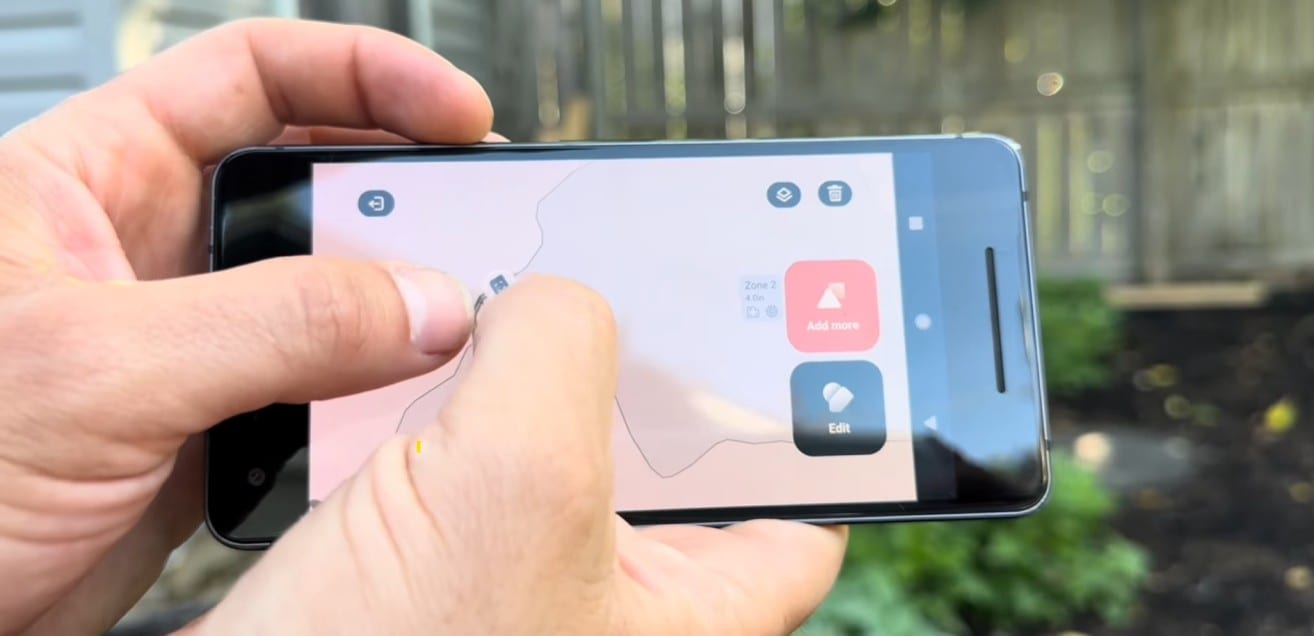 Installation & SetupHow to Map Your Lawn With a Navimow (And How Long It Takes)The 10-step Navimow mapping process a dealer actually uses — dock, RTK, perimeter, no-gos, channels — plus honest install times by lawn size.
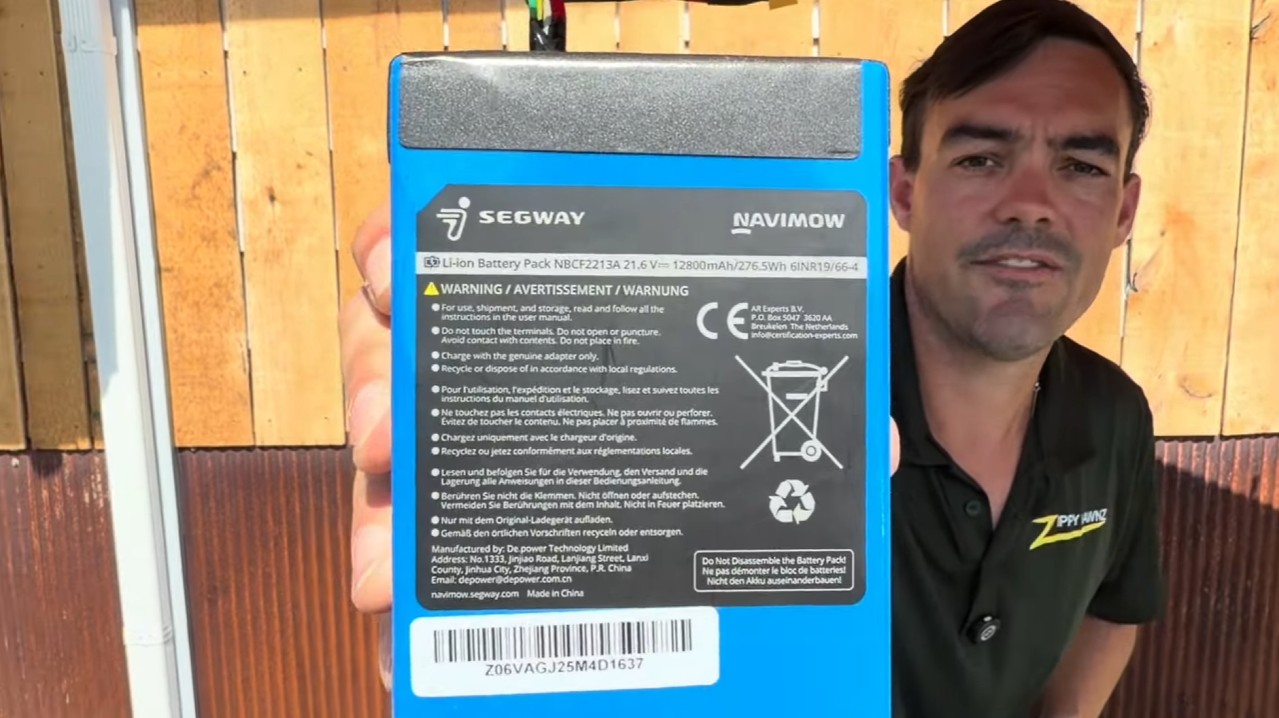 Buying GuidesHow Long Does a Robot Mower Battery Last? We Ran the NumbersA robot mower's lithium battery can outlast the mower on a small lawn — or fade in about 5 years on a big one. Here's the real cycle math, by lawn size.
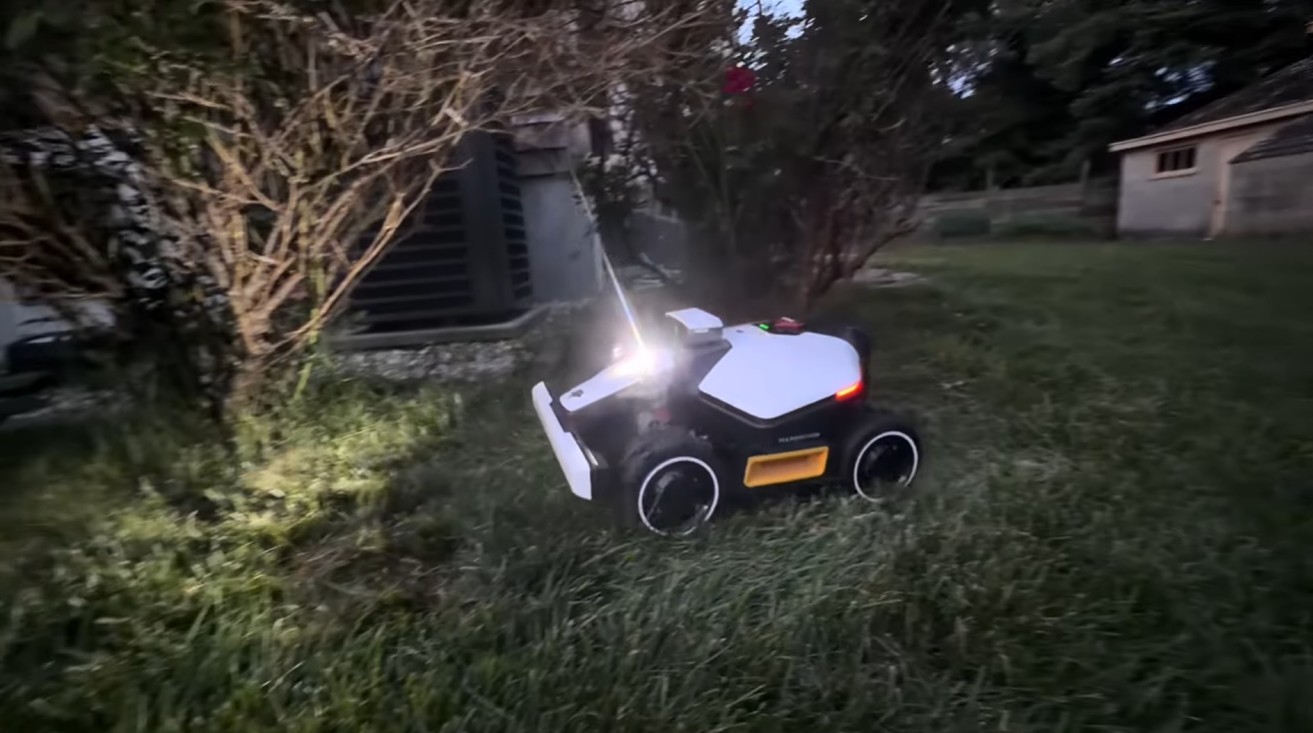 Tips & MaintenanceShould Your Robot Mower Mow at Night? Wildlife, Dew & LiDARNight mowing is quiet and satisfying — but should your robot mower do it? The honest truth on wildlife, why vision mowers fail in the dark, and how LiDAR fixes it.
Explore the system
The mowers and pages behind this topic — see them sized to your yard.